Website Speed Optimization & Core Web Vitals Checklist

Credentials: Core engineering team specializing in enterprise architecture, Next.js, and cloud automation.
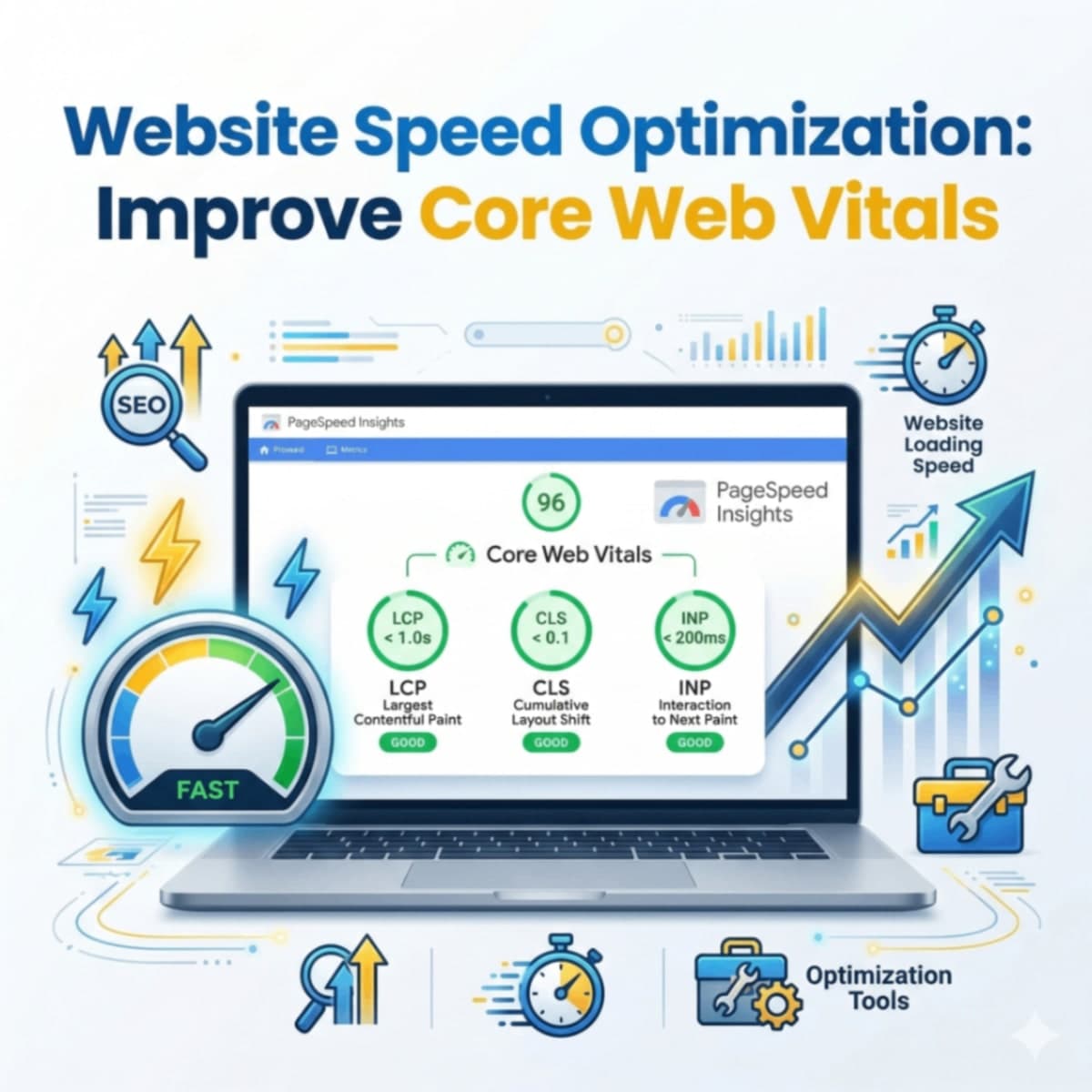
> TL;DR: Optimizing website speed and mastering Google's Core Web Vitals is essential for securing high search rankings and maximizing user conversions. By targeting specific benchmarks for loading speed (LCP under 2.5s), interactivity (FID under 100ms), and visual stability (CLS under 0.1), businesses can deliver a seamless digital experience. Key optimization strategies include compressing images, utilizing next-gen formats, and minimizing render-blocking resources.
Table of Contents
Definition: Website speed optimization and Core Web Vitals refer to the systematic process of improving page load times and meeting Google's standardized metrics for user experience, specifically focusing on loading performance, interactivity, and visual stability.
- What is Website Speed Optimization and Core Web Vitals?
- The Three Pillars of Core Web Vitals
- How to Optimize Your Website for Speed
- The Business Impact of Speed
- Why You Need a Professional Agency
What is Website Speed Optimization and Core Web Vitals?
Website speed optimization improves page load times to enhance user experience and overall SEO performance. Core Web Vitals are Google's specific performance metrics—LCP (loading), FID (interactivity), and CLS (visual stability)—that directly measure a user's experience on a page, heavily impacting search engine rankings and conversion rates.
In the fast-paced digital era, the attention span of a user is minimal. A delay of just a few seconds can mean the difference between a new customer and a bounced visitor.
The Three Pillars of Core Web Vitals
To understand how to pass Google's assessment, you must understand its three primary metrics:
| Metric | Full Name | What It Measures | Target Score |
|---|---|---|---|
| LCP | Largest Contentful Paint | How fast the main content (hero image or text) loads | Under 2.5 seconds |
| FID | First Input Delay | How quickly the site responds when a user clicks or taps | Under 100 milliseconds |
| CLS | Cumulative Layout Shift | How much the page layout shifts while loading | Less than 0.1 |
Google uses these metrics as a direct ranking signal. Passing Core Web Vitals gives your site an edge over slower competitors.
How to Optimize Your Website for Speed
Improving Core Web Vitals requires a systematic, technical approach. Follow this checklist to optimize your website:
- 1Optimize and Compress Images: Serve images in next-gen formats (like WebP) and implement lazy loading for images below the fold.
- 2Minify CSS, JavaScript, and HTML: Remove unnecessary spaces, comments, and unused code to reduce file sizes.
- 3Leverage Browser Caching: Allow returning visitors to load your site instantly by storing elements locally on their browser.
- 4Use a Content Delivery Network (CDN): Distribute your site's assets across global servers to reduce latency for users far from your host.
- 5Defer Non-Critical JavaScript: Ensure that third-party scripts (like analytics or chat widgets) do not block the main rendering of the page.
You can learn more about finding the right technical partner in our guide on choosing a web development company in Jaipur.
The Business Impact of Speed
A fast website is not just an IT metric; it is a revenue driver. Amazon found that every 100ms of latency cost them 1% in sales. Similarly, Pinterest increased search engine traffic and sign-ups by 15% after reducing wait times by 40%.
Fast-loading websites benefit from:
* Higher search engine rankings
* Lower bounce rates
* Increased time on site
* Higher conversion rates
* Better mobile user experiences
Why You Need a Professional Agency
Achieving perfect Core Web Vitals scores often requires modifying server configurations, rebuilding frontend architectures, and implementing complex caching strategies. While basic plugins can help, they rarely solve deep structural issues.
If your site is struggling with performance, our Website Development Services team specializes in building lightning-fast, highly optimized digital platforms. Reach out today for a complete speed audit and optimization plan.
undefined
The Technical Deep Dive: Why Speed Matters in 2026
Beyond the fundamental Core Web Vitals, the technical architecture of your website plays a massive role in how search engines evaluate and rank your pages. In 2026, Google’s algorithms have become incredibly sophisticated at identifying not just fast initial loads, but sustained performance throughout the user journey.
When users interact with a site—whether they are adding a product to a cart, filling out a contact form, or simply scrolling through a long article—the browser must process these actions without hesitation. If your JavaScript execution is bloated, or your CSS is poorly structured, these interactions will lag. This lag is exactly what the Interaction to Next Paint (INP) metric measures. A poor INP score tells Google that while your site might look ready, it is actually frustrating to use.
The Impact of Mobile-First Indexing on Performance
Mobile-first indexing is no longer a "new" concept; it is the absolute standard. Over 70% of global web traffic now originates from mobile devices, many of which are operating on slower 3G or 4G networks depending on the region. When optimizing for speed, you must prioritize the mobile experience.
This involves implementing advanced techniques such as:
* Adaptive Serving: Delivering different asset sizes based on the user's device capabilities and network connection.
* Critical CSS Extraction: Inlining the exact CSS required to render the above-the-fold content immediately, deferring the rest until the page is interactive.
* Next-Gen Image Formats: Utilizing WebP or AVIF formats, which provide superior compression compared to traditional JPEGs and PNGs without sacrificing quality.
Global Content Delivery Networks (CDNs)
For businesses targeting an international audience—or even a national audience across a large geographical area—a CDN is non-negotiable. A CDN caches your website's static assets (images, stylesheets, scripts) on servers distributed globally. When a user requests your site, the assets are delivered from the server physically closest to them, drastically reducing latency.
However, simply activating a CDN is not enough. You must configure edge caching rules correctly, ensure that dynamic content is bypassing the cache appropriately, and perhaps even utilize edge computing (like Cloudflare Workers or AWS Lambda@Edge) to personalize content delivery without burdening your origin server.
The Role of Server-Side Rendering (SSR) and Static Site Generation (SSG)
Modern web frameworks like Next.js (which powers the Zynocode platform) offer powerful rendering strategies that significantly boost performance. By utilizing Static Site Generation (SSG), HTML is pre-rendered at build time. When a user visits the page, they receive fully formed HTML instantly, bypassing the need for the server or the browser to construct the page on the fly. This results in incredibly fast Largest Contentful Paint (LCP) times.
For pages that require real-time data, Server-Side Rendering (SSR) or Incremental Static Regeneration (ISR) provides a balance between speed and data freshness. Transitioning a legacy React application (which typically relies on Client-Side Rendering) to Next.js can often resolve chronic performance issues overnight.
Continuous Performance Monitoring
Website speed is not a 'set it and forget it' metric. As you add new features, publish new content, or integrate third-party marketing scripts (like analytics trackers or chat widgets), your performance can degrade.
To maintain high scores, you must implement continuous monitoring. This involves setting up performance budgets within your CI/CD pipeline—meaning that if a new code commit pushes your JavaScript bundle size over a certain threshold, the build will automatically fail, preventing the slow code from ever reaching production.
By prioritizing these advanced optimization strategies, you ensure that your website remains a powerful, high-converting asset in an increasingly competitive digital landscape.
Dive deeper into our sibling spoke: Digital Inventory Portals for Kishangarh Marble Factories ↗
Frequently Asked Questions

Written by Prashant Sharma
Engineering & Growth TeamPrashant Sharma is the Founder & CEO of Zynocode IT Solutions. As a seasoned tech visionary, software architect, and digital growth consultant, he leads enterprise engineering strategies, high-performance web systems, and custom AI implementations. Under his leadership, Zynocode has built a reputation as the premier website development company in Jaipur and a trusted AI automation agency in Jaipur delivering high-end solutions globally. For a detailed breakdown of his professional career and technical achievements, visit his dedicated Founder Profile page.
⚡Recommended Architecture & Delivery Hubs
Verified Guides & PodsRelated Services
Related Articles
Digital Inventory Portals for Kishangarh Marble Factories
Read article →Web DesignCustom Web Design for Heritage Hotels in Ajmer & Pushkar
Read article →Web DevelopmentB2B Wholesale Portals for Jodhpur Furniture Manufacturers
Read article →Mobile App DevelopmentEdTech App Development for Kota Coaching Centers
Read article →Free Tools from Zynocode Labs
100% in-browser • Zero server uploads • No account required
Meta Tag Generator & Previewer
Generate and validate OpenGraph, Twitter, and SERP title/description snippets.
Robots.txt Generator & Validator
Build clean, crawler-safe robots.txt rules for Googlebot and Bingbot.
Word & Character Counter
Count words, characters, and reading time for SEO copy and landing pages.